01
Motion-driven scenes
Define object trajectories and investigate electromagnetic interactions as geometry moves through the simulation domain.
Scroll to explore the moving-source field.
Precomputed direct FDTD, in both directions.
A beating-heart outline. A moving PEC boundary.
Explore the surrounding two-dimensional field.
Follow a moving hand through a two-dimensional field.
Video-derived motion, drawn in white.
Follow four rotating propellers.
Explore their interaction with the surrounding field.
From the first forward lean to the descent.
A brief view of motion and electromagnetic interaction.
A video-derived aircraft silhouette moves through a two-dimensional Yee FDTD field.
Explore video-driven motionCreate primitives, bring in a CAD model, or load a time-varying 3D geometry sequence.
Set movement, adjust the timeline and preview the scene with its source and receivers.
Connect the field response with velocity, acceleration and I/Q analysis.
Open a dedicated page for software views, recorded field animations and the corresponding signal analysis.
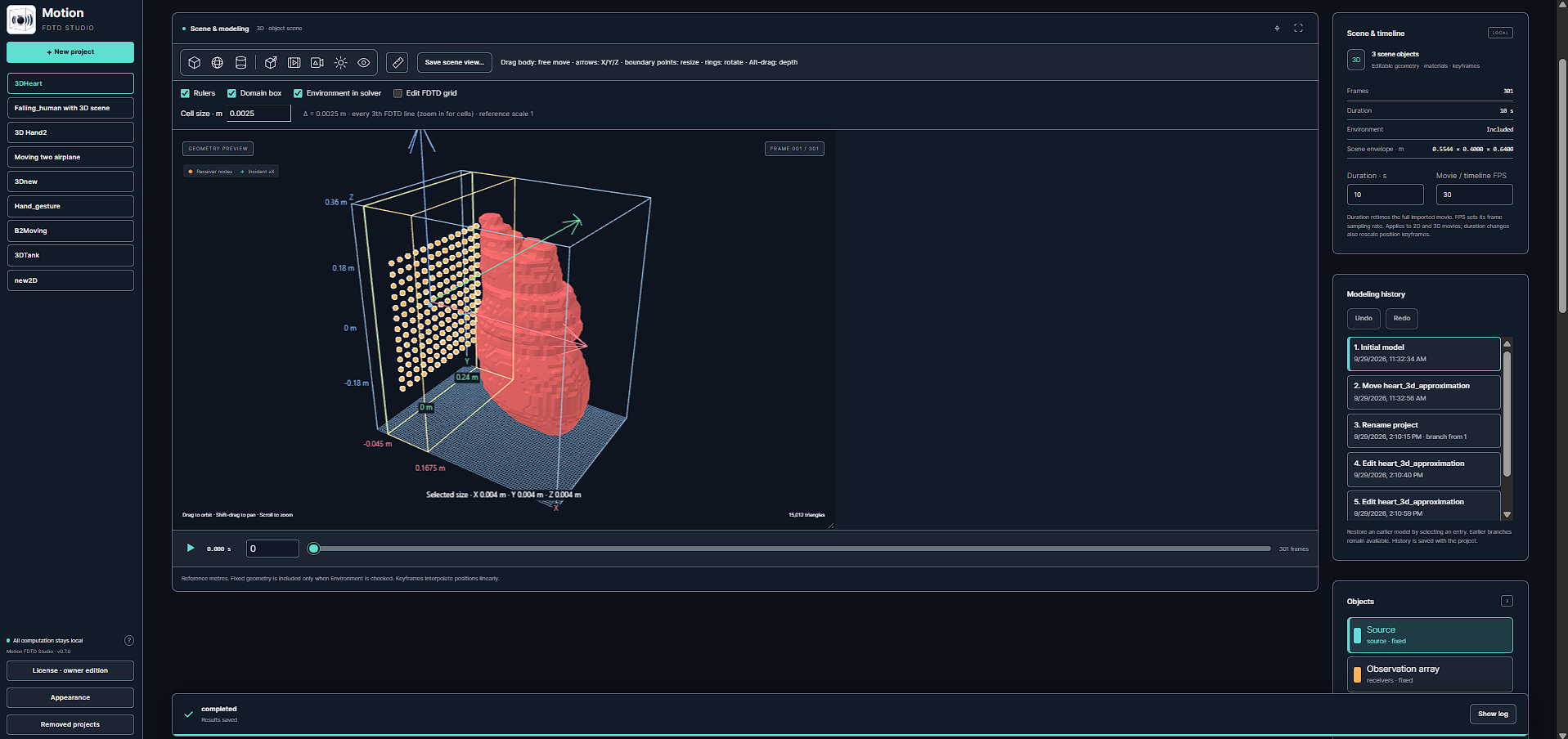
Model setup, 3D fields, velocity and acceleration spectrograms, and I/Q results.
Explore the scenario ↗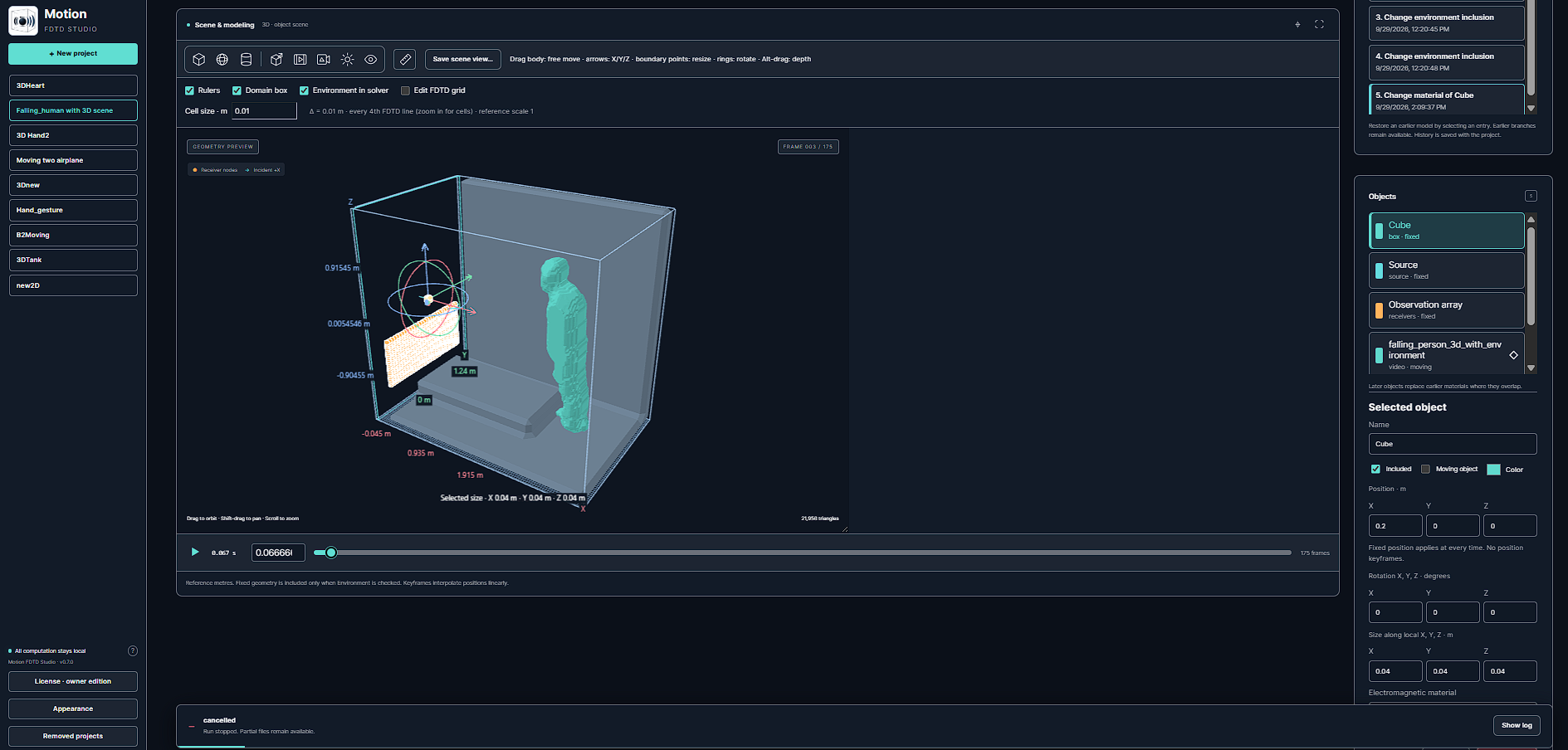
Scene setup, recorded fields, motion spectrograms and the received I/Q signal.
Explore the scenario ↗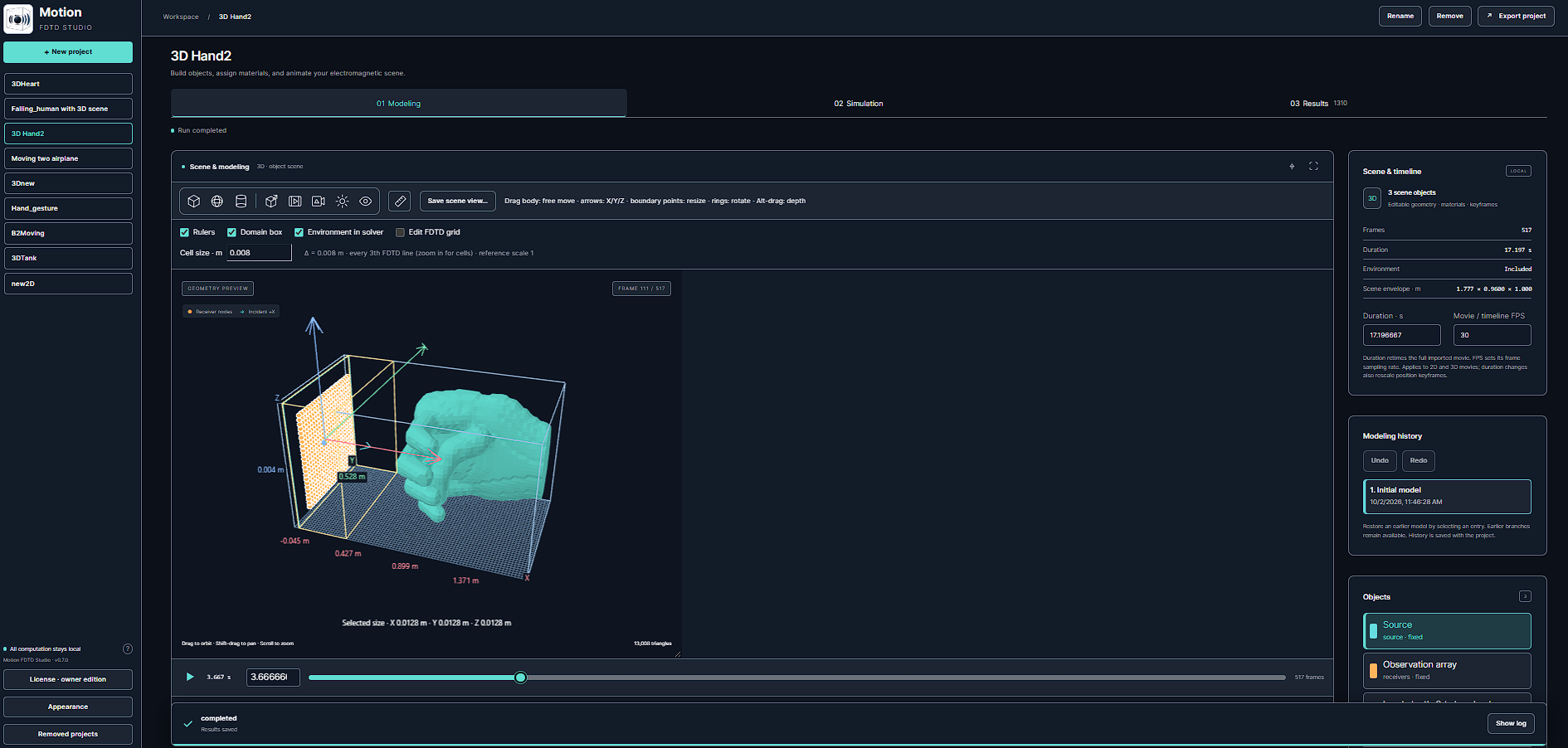
Hand geometry, recorded fields, velocity and acceleration spectrograms, and I/Q response.
Explore the scenario ↗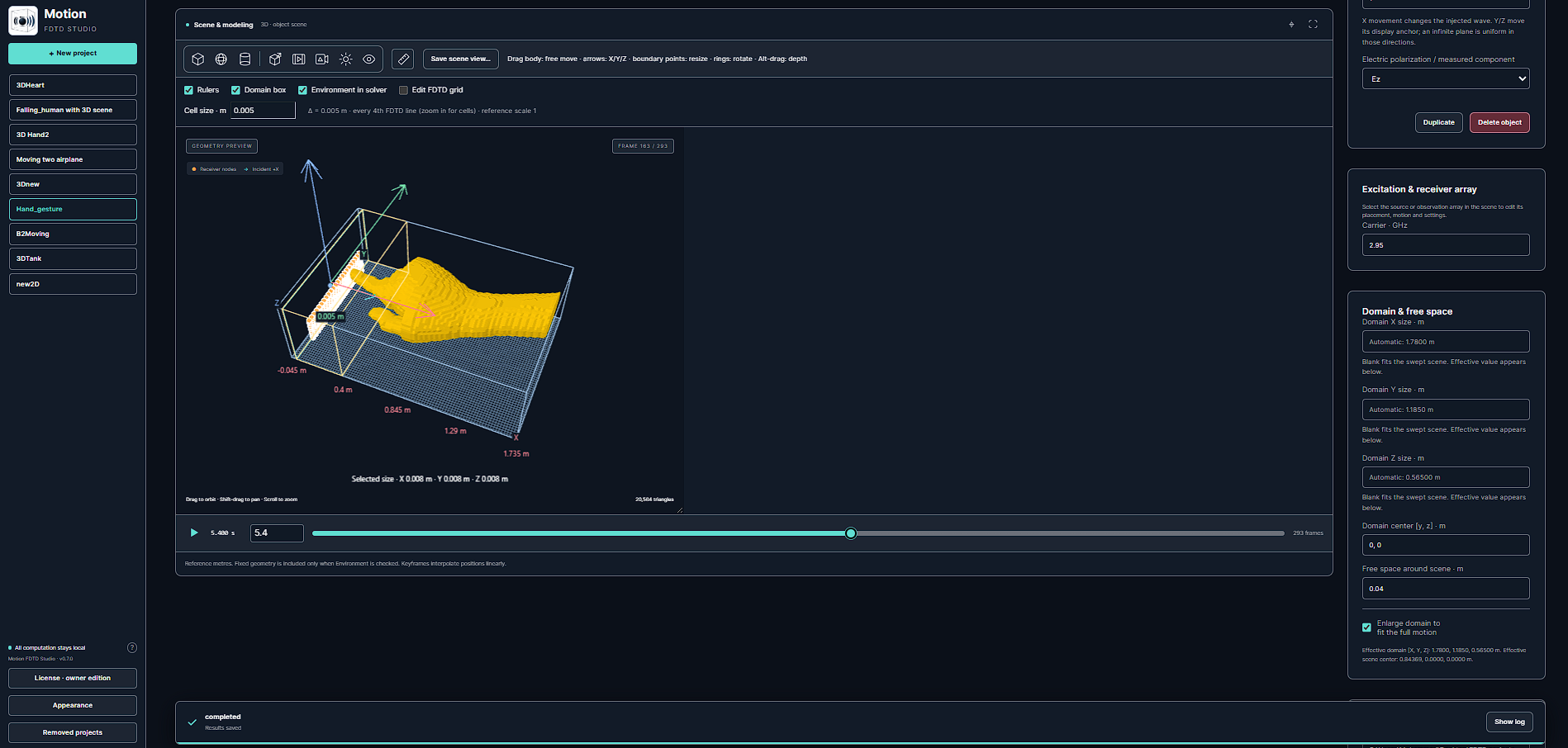
A second hand-motion example with recorded fields, motion spectrograms and I/Q results.
Explore the scenario ↗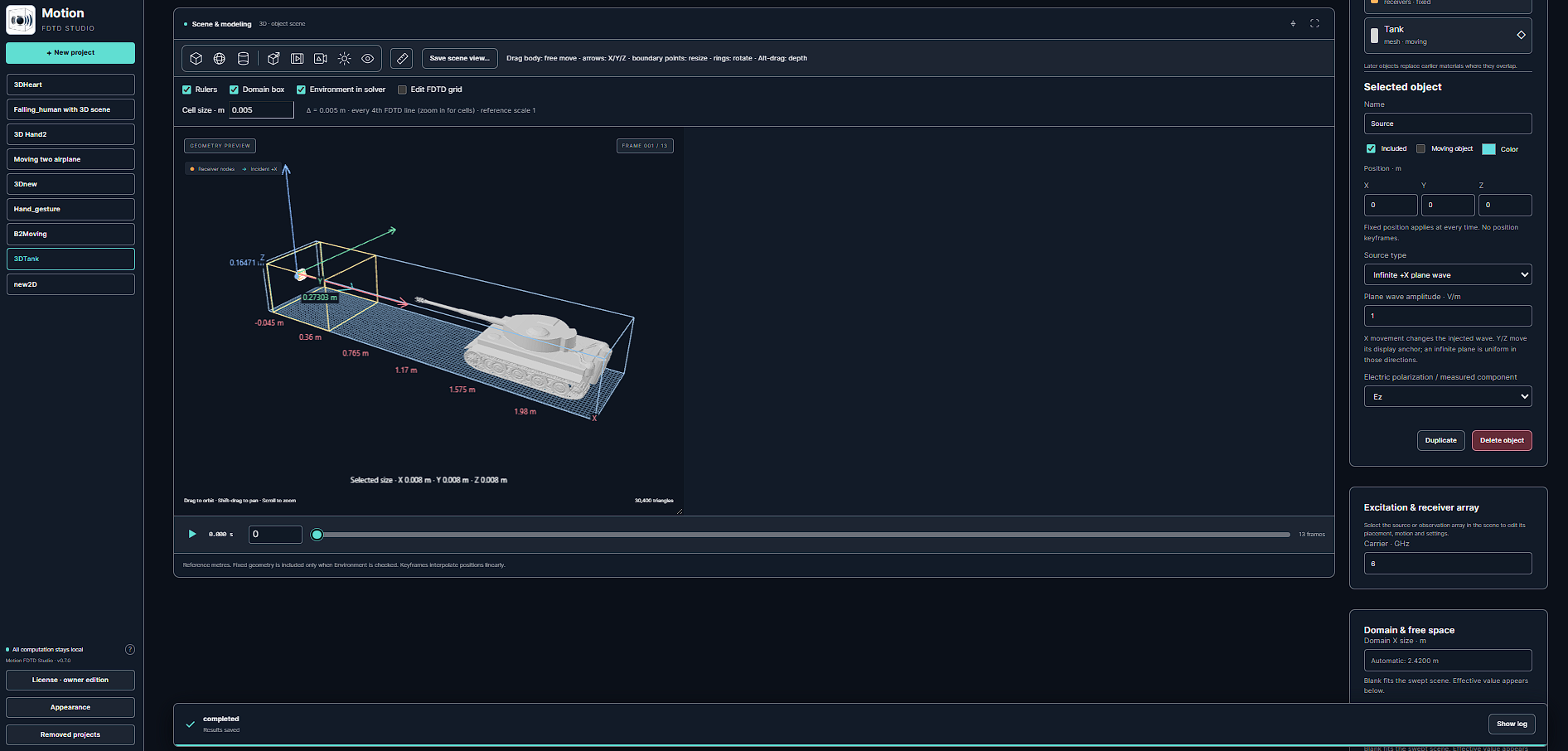
A sudden speed change, recorded fields, velocity and acceleration spectrograms, and I/Q results.
Explore the scenario ↗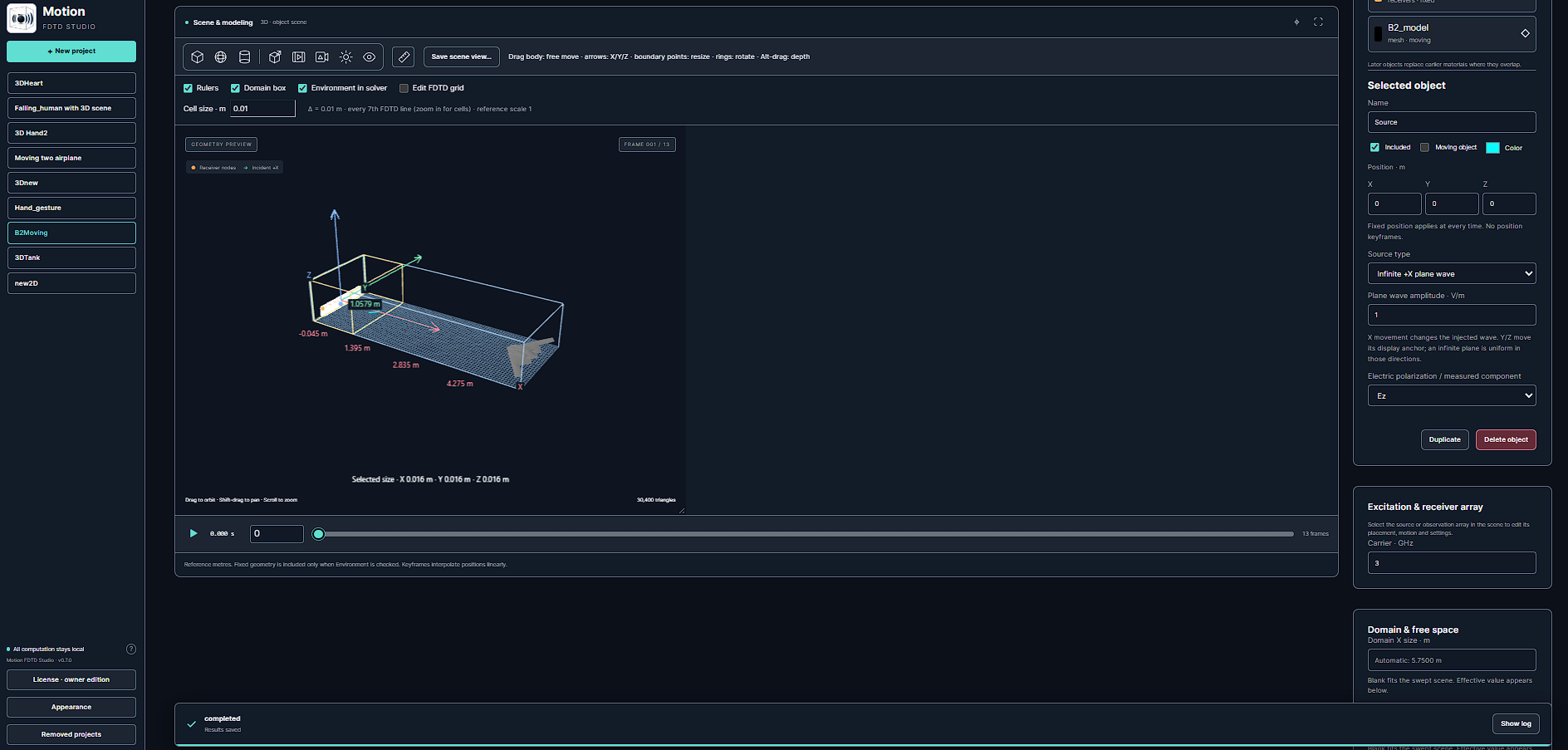
Time-varying speed and altitude, recorded fields, motion spectrograms and I/Q response.
Explore the scenario ↗Load time-varying 3D geometry derived from video and explore the fields and Doppler response it produces. Move beyond a single static scene.
The point-source fields were computed using the supplied direct 2D Yee FDTD solver with a moving Gaussian Norton source and split-field PML. Two constant-velocity runs provide forward-time playback in either direction. Scroll selects and advances recorded fields; changing direction blends between runs, rather than solving a new acceleration event in your browser. Display colors use a shared fixed scale.
Video-derived geometry is an approximation of shape and motion. Material properties and internal anatomy are separate modeling inputs.
The heart, hand, drone and falling-person animations are illustrative 2D Yee calculations with video-derived PEC masks. The drone plays briefly; the falling sequence now continues through landing and the brief leg rebound. The source video crops the lower silhouette after landing. The hand clip skips the initial entry and extra tail. Scroll direction controls forward or backward playback of the recorded video-derived fields; reaching a hand, drone or fall clip’s end while playing forward moves to the next section. Rewinding is recorded playback, not a new physical simulation. The supplied videos crop the forearm at the right edge; the adapted view keeps that crop at its boundary so the hand enters and exits naturally. Display-only spatial smoothing and contrast enhancement make the field visible; the electric field is masked to zero inside PEC. Scrolling changes playback speed. This is not a validation benchmark for the production software.
Define object trajectories and investigate electromagnetic interactions as geometry moves through the simulation domain.
Load sequences of 3D geometry derived from video, advance the scene over time and investigate the resulting electromagnetic response.
Study receiver signals, time-frequency behavior and the signatures produced by motion.
Inspect field views alongside object motion to connect a signal with the physical scene that produced it.
Tell us about your geometry, frequency range and the results you need. Start a conversation about Motion FDTD Studio and a suitable demonstration.